FF 115.33.0esr
Win7 x64
so this weird.
close FF.
open FF (& restore session)
one of my tabs is https://www.mozillazine.org
mozillazine.org uses Anubis.
in my restored tab, typically the page always displays - regardless of JavaScript, regardless of Anubis.
it does this, i suppose, simply because of stored page history.
i don't interact with the page - except to open mozillazine in a new window.
(now, that new window does require JS, for Anubis.)
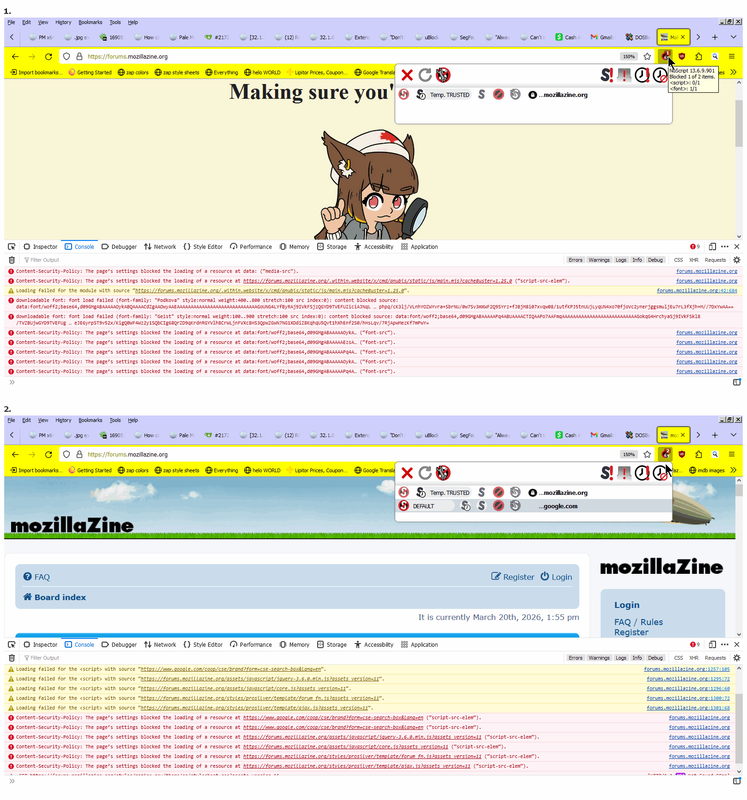
today, after my close, open (& restore), for whatever reason (maybe stale cookie?) the restored mozillazine tab did open to the Anubis page, stating that i did need JS (& JS was not enabled). & i'm like, no big deal, & i enable JS, but... the icon didn't look right, & the page still did not get past Anubis. & i allow all on the page, still Anubis. & i allow globally, still Anubis.
Revoke All.
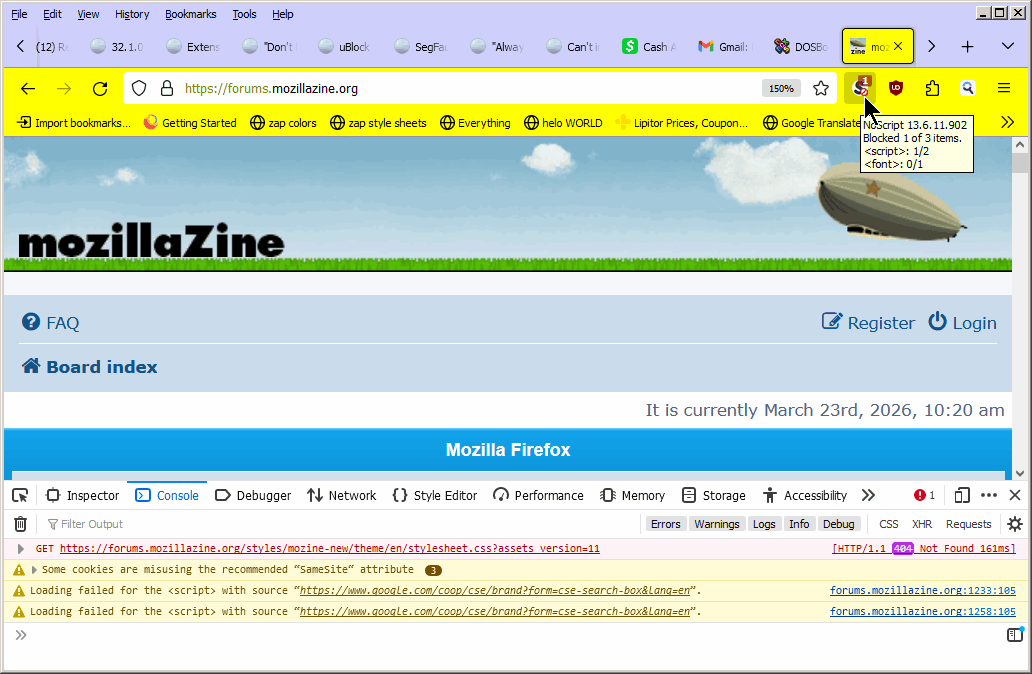
open a new window, https://mozillazine.org, Anubis, Allow mozillazine.org, & mozillazine.org loads as expected.
at that point, i go back to my originally restored tab, refresh the page, & it loads (as i had "passed" Anubis from the step above, mozillazine was still allowed).
then, in my original tab, i 'clear cookies & site data'. Allow mozillazine. icon is still wrong looking, & cannot bypass Anubis.
open a new window, load mozillazine & it loads.
go back to my original tab, refresh the page, & it loads.
& with that, i'm not sure just what the icon is showing?
same Profile, same settings, (virtually) same restored tabs, for ages now.
yet today, i happened to close, re-open, & something changed?
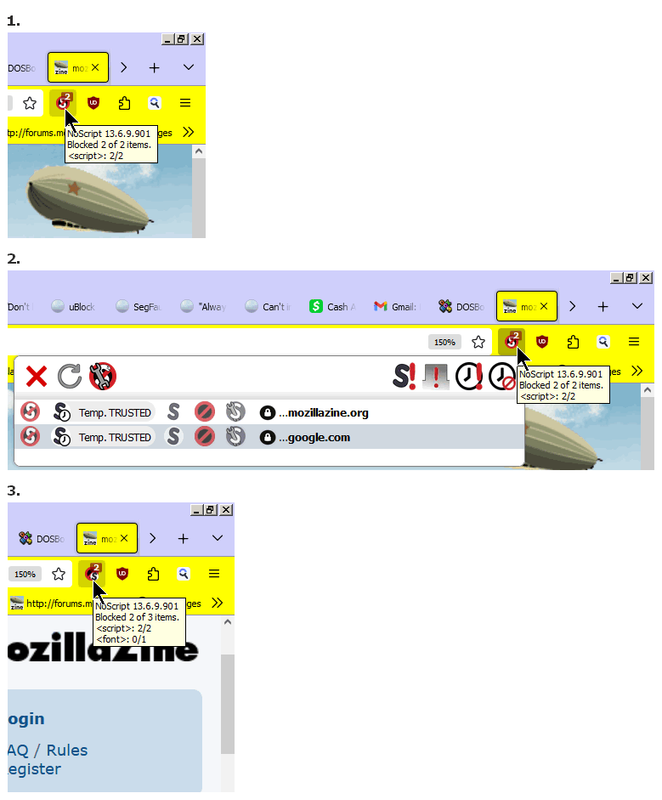
1. JS blocked
2. Temporarily Allow all on page (& icon looks wrong)
3. mozillazine.org is Allowed, google.com is not
& in this tab, if i clear Cookies, with mozillazine.org Allowed, i cannot get past Anubis ?